
LIGHT//BOUND
A downloadable game for Windows, macOS, and Linux
LIGHT//BOUND
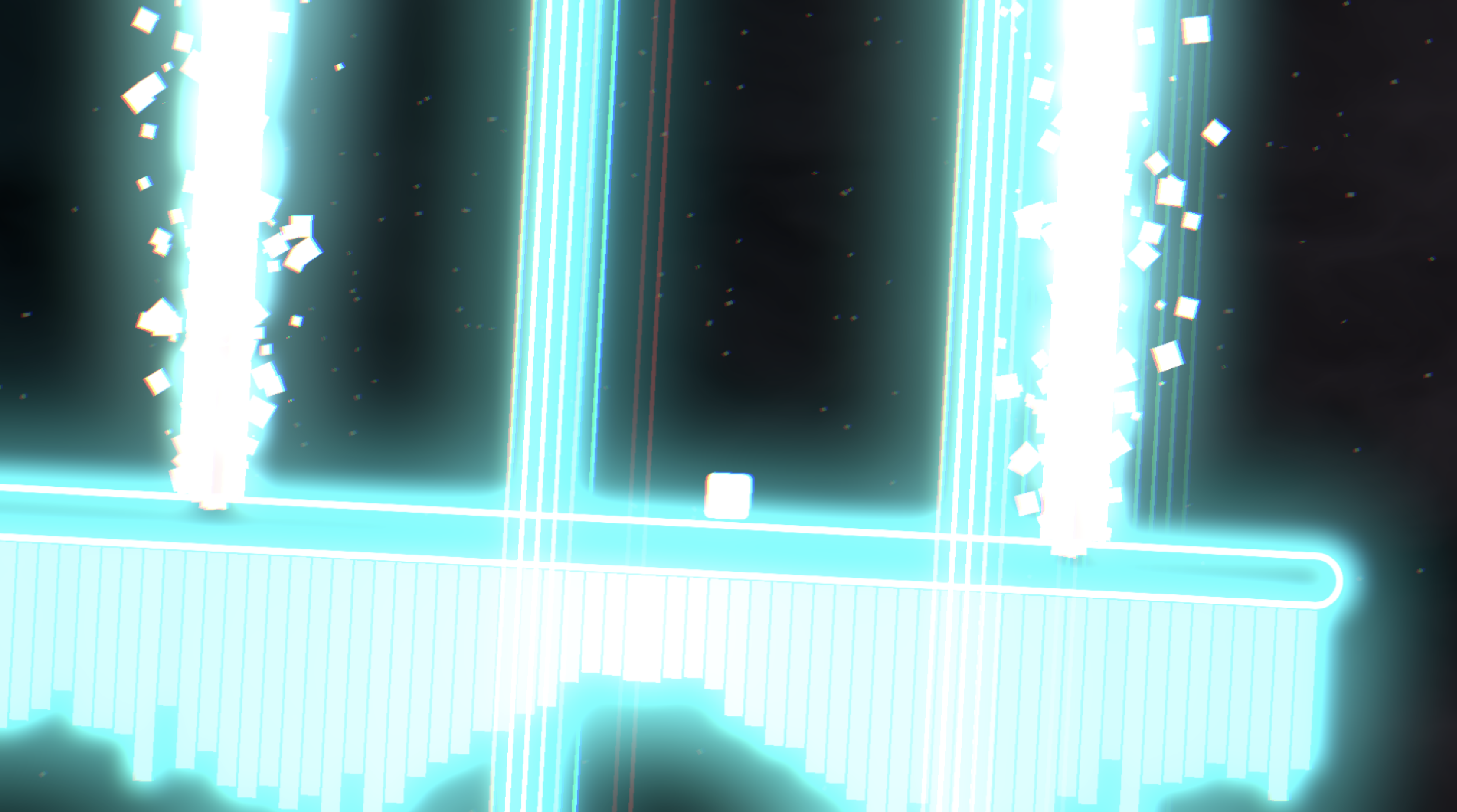
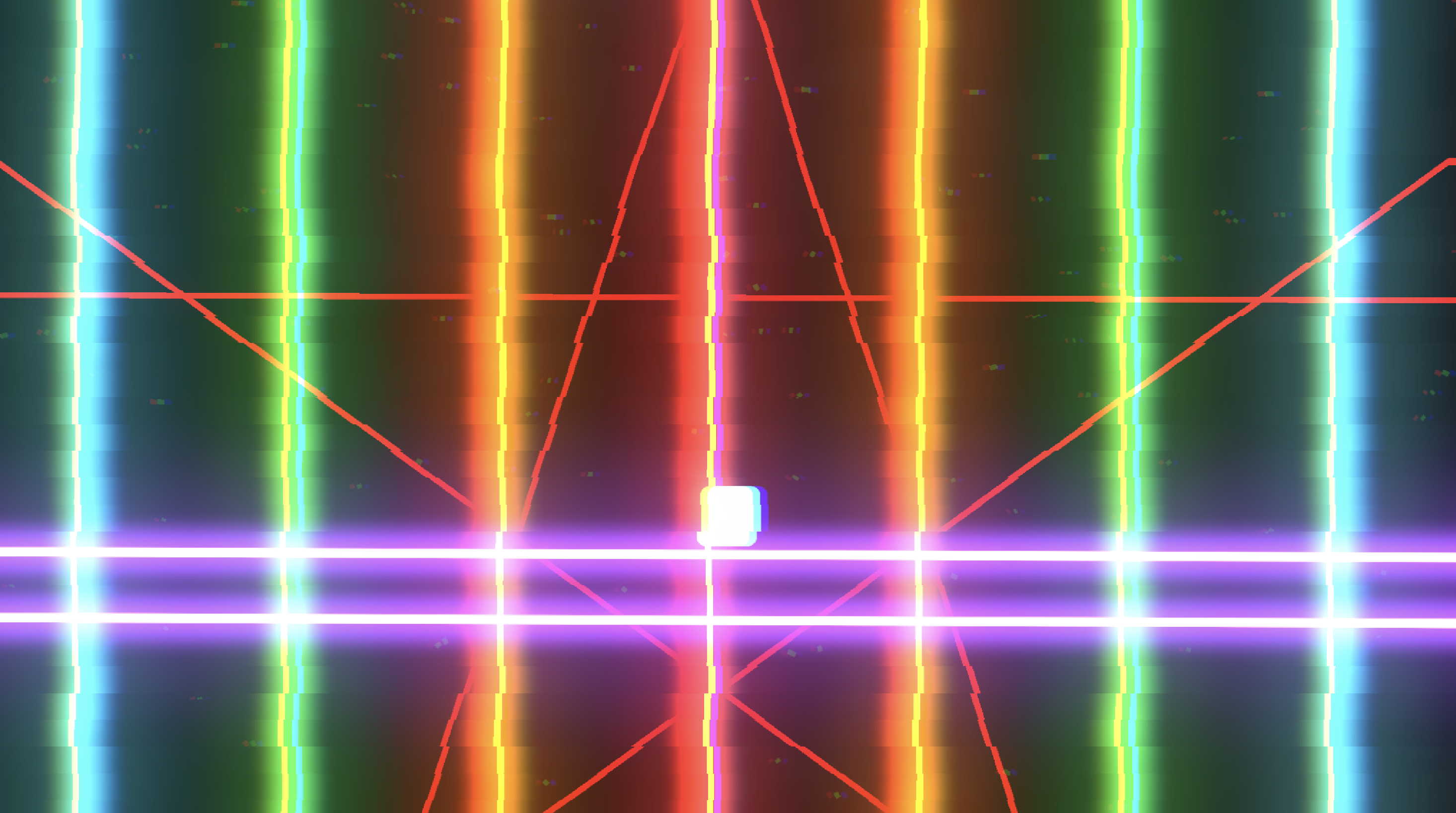
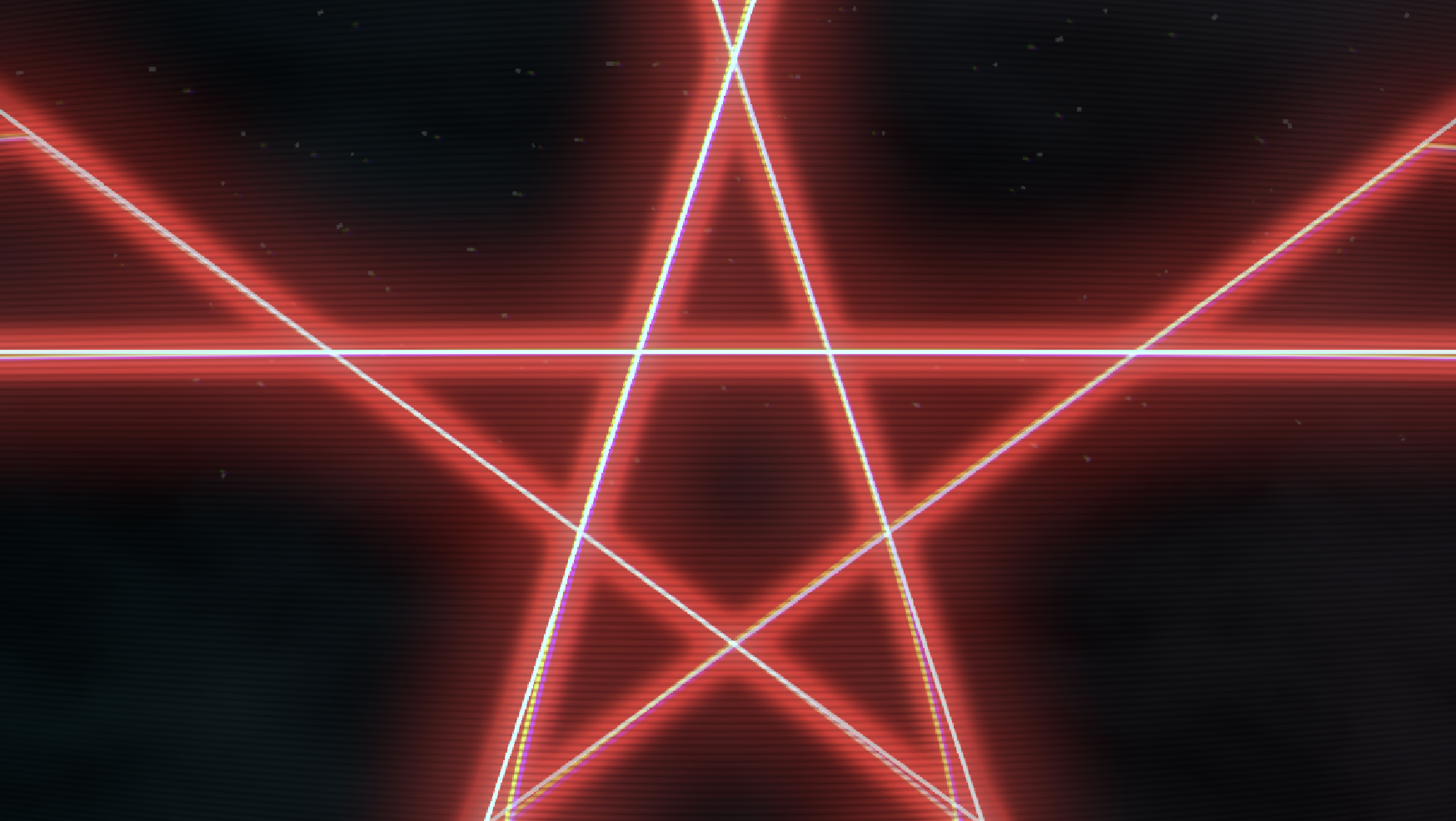
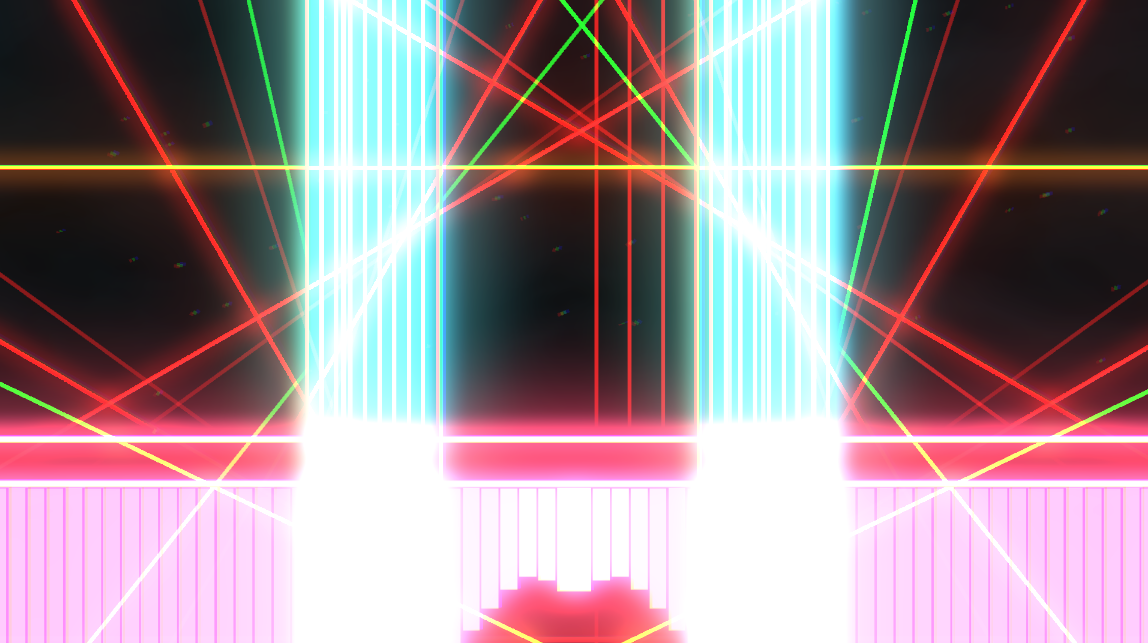
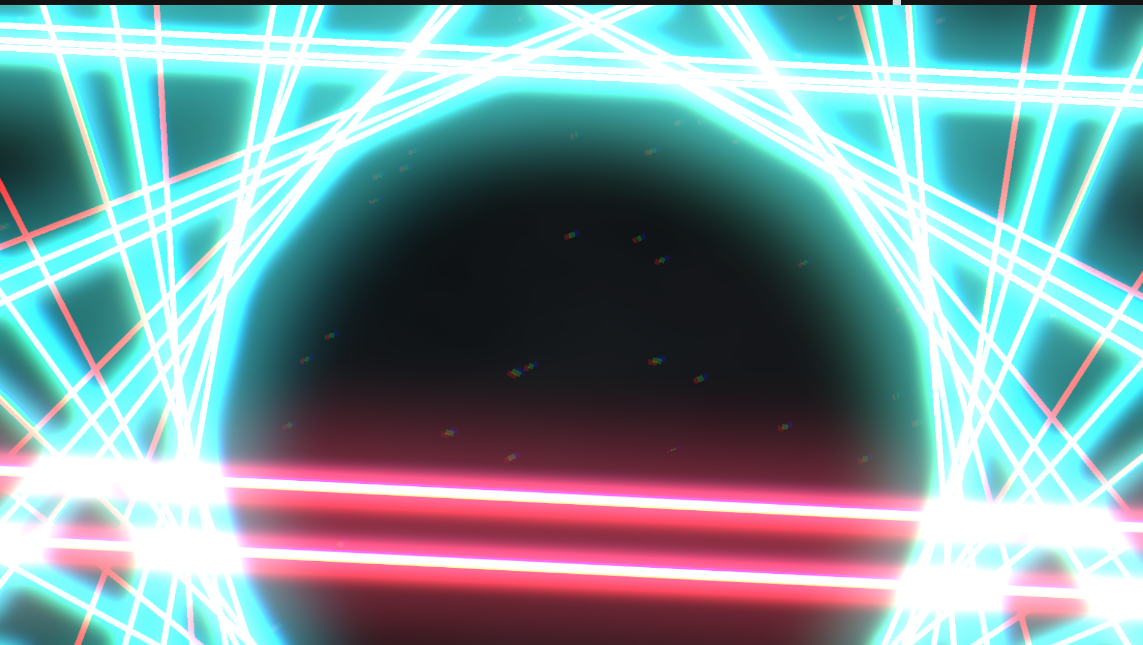
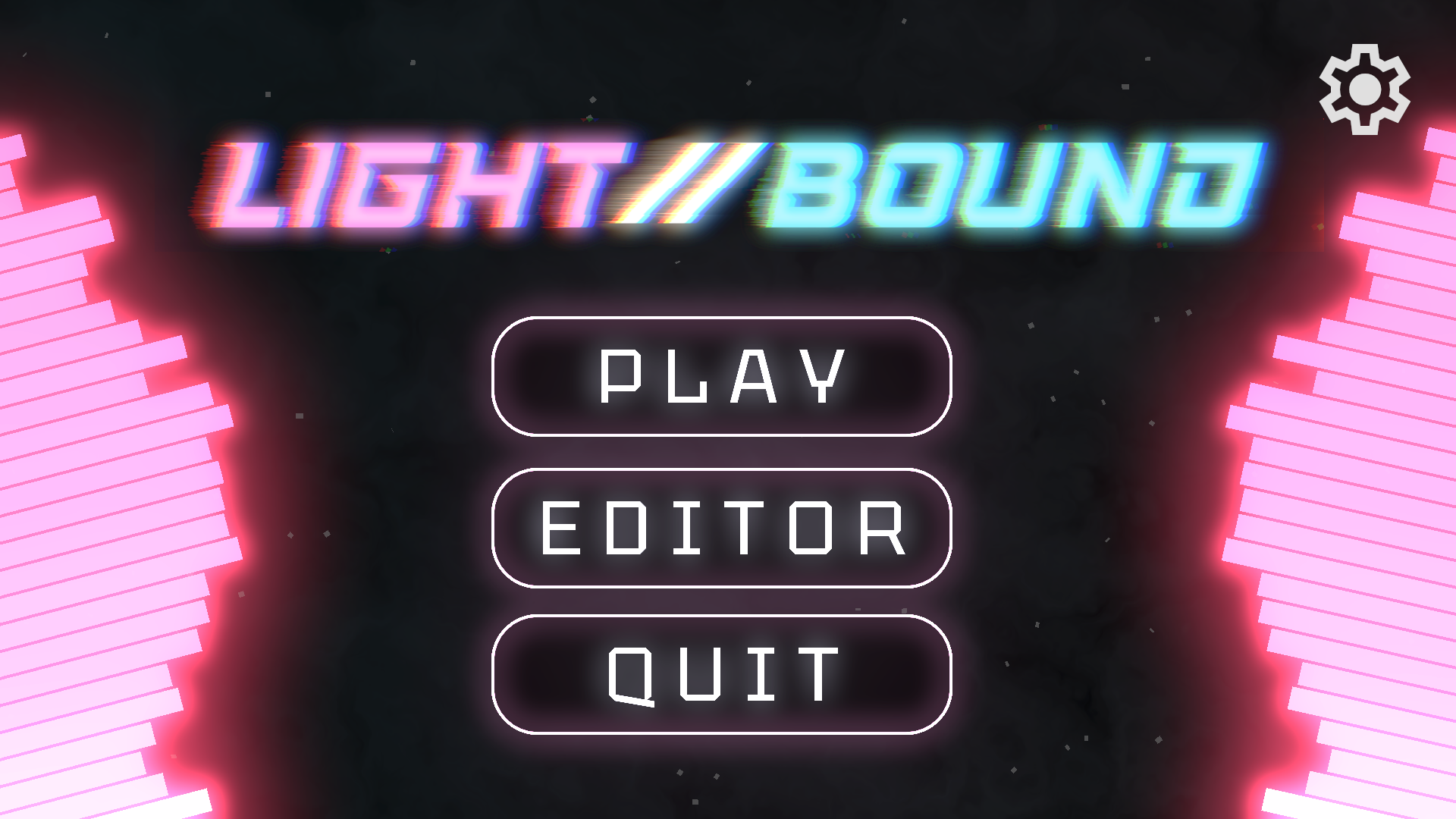
A 2D stage-based rhythm game where the players movements are bsp;bound to the he light.
Note: LIGHT//BOUND is in alpha. Features are limited and you may experience bugs.
Controls
A/ ;/Dor or←/ ;/→— Move left/right ghtSor or↓— Ground slam lamWor orSPACEor or↑— Jump/Double JumpJump
Features
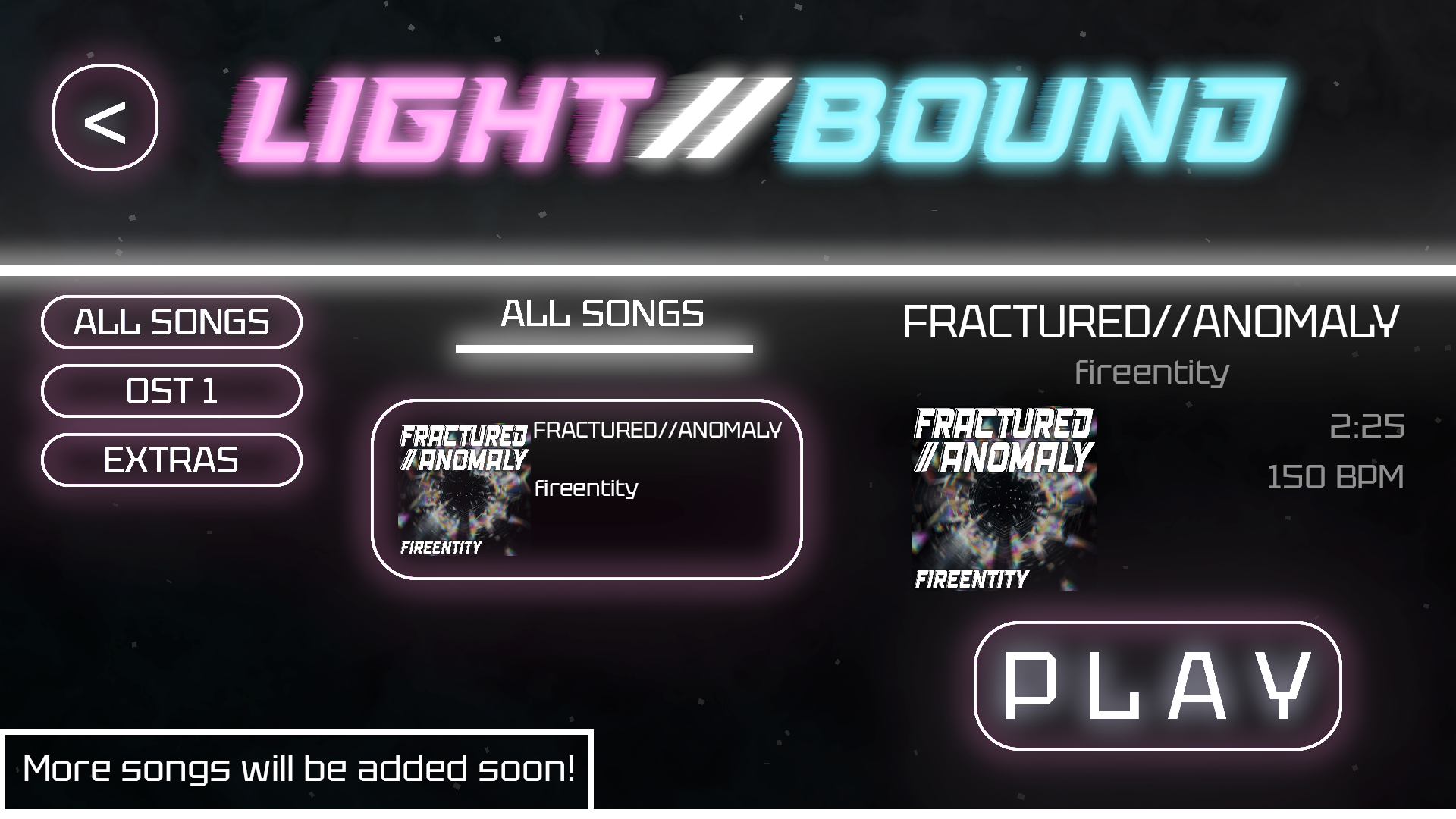
- An original song (https://www.youtube.com/watch?v=aNtMej4kIsU) with more on the way!
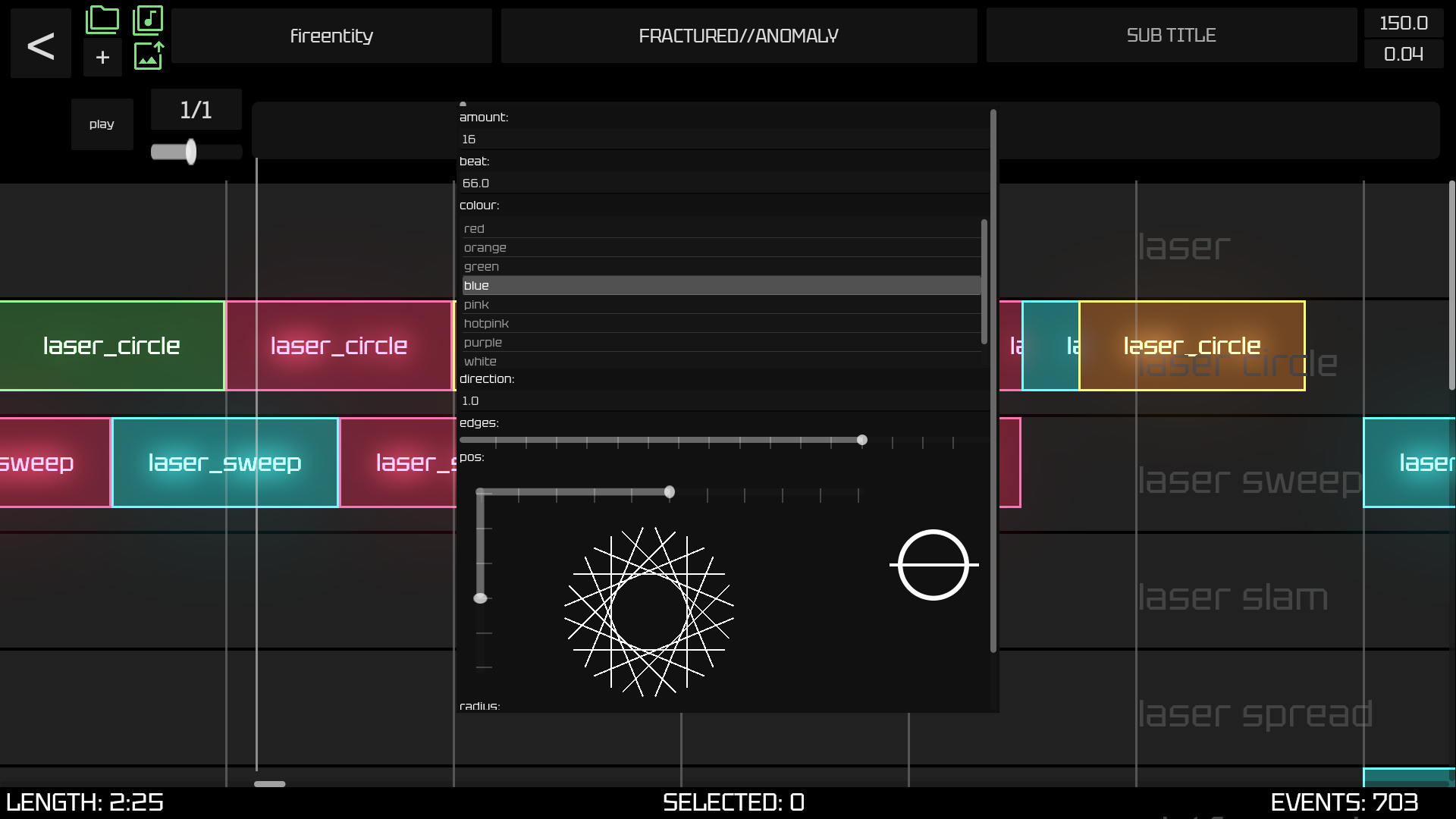
- Fully functional, self–made integrated editor
- Variety of gameplay mechanics
- Fully customizable events and environment
- Optimized, reactive audio visualizer
- And more coming soon!
Editor Usagesage
Getting Started

- Open the editor through the menu
- Click the bsp;
+button in the top bar and give your new map a name ame - Click the audio icon in the top bar to select an ect an
OGGfile. le.
Making and Editing Events
SHIFT+ ;+LEFT CLICKto create an event on any block ockLEFT CLICKon the event to open it in more detail and modify its parameters ersCTRLor orCMD+ ;+LEFT CLICKto select an event entCTRLor orCMD+ ;+C/ ;/Vto copy and paste events (events will auto deselect on paste) te)RIGHT CLICKon an event to delete it itSCALEdefaults to to1/1, change it to any note length value (such as bsp;1/3or or1/4) to modify scale.BPMand ndOFFSET(start offset) can be entered in the top bar. ar.- Song metadata can be entered in the top bar.
- Press the bsp;
PLAYbutton or orSPACEto start/stop the preview. ew.
Editing Event Parameters

LEFT CLICKon the event to open it it- If event is movable, there will be a transform interface to move the event and rotate it.
- If event is multicolourable bsp;
CTRLor orCMDfor individual selection and ndSHIFTfor selection selection ion amountmodifies the amount of lasers that spawn in a multi-laser event entspeedmodifies the speed at which lasers spawn in a multi-laser event ent- (In circles) bsp;
directionmodifies the direction in which lasers spawn, try values other than an-1/1for differing spawn patterns! ns! - (In circles) bsp;
edgesmodifies the amount of sides in the spawned polygon gon - (In circles) bsp;
radiusmodifies the size of the center of the spawned polygon gon - (In sweeps) bsp;
directionmodifies the direction the lasers sweep eep - (In sweeps) bsp;
outwardsmodifies whether the laser sweep goes both ways ays
Download
Leave a comment
Log in with itch.io to leave a comment.