
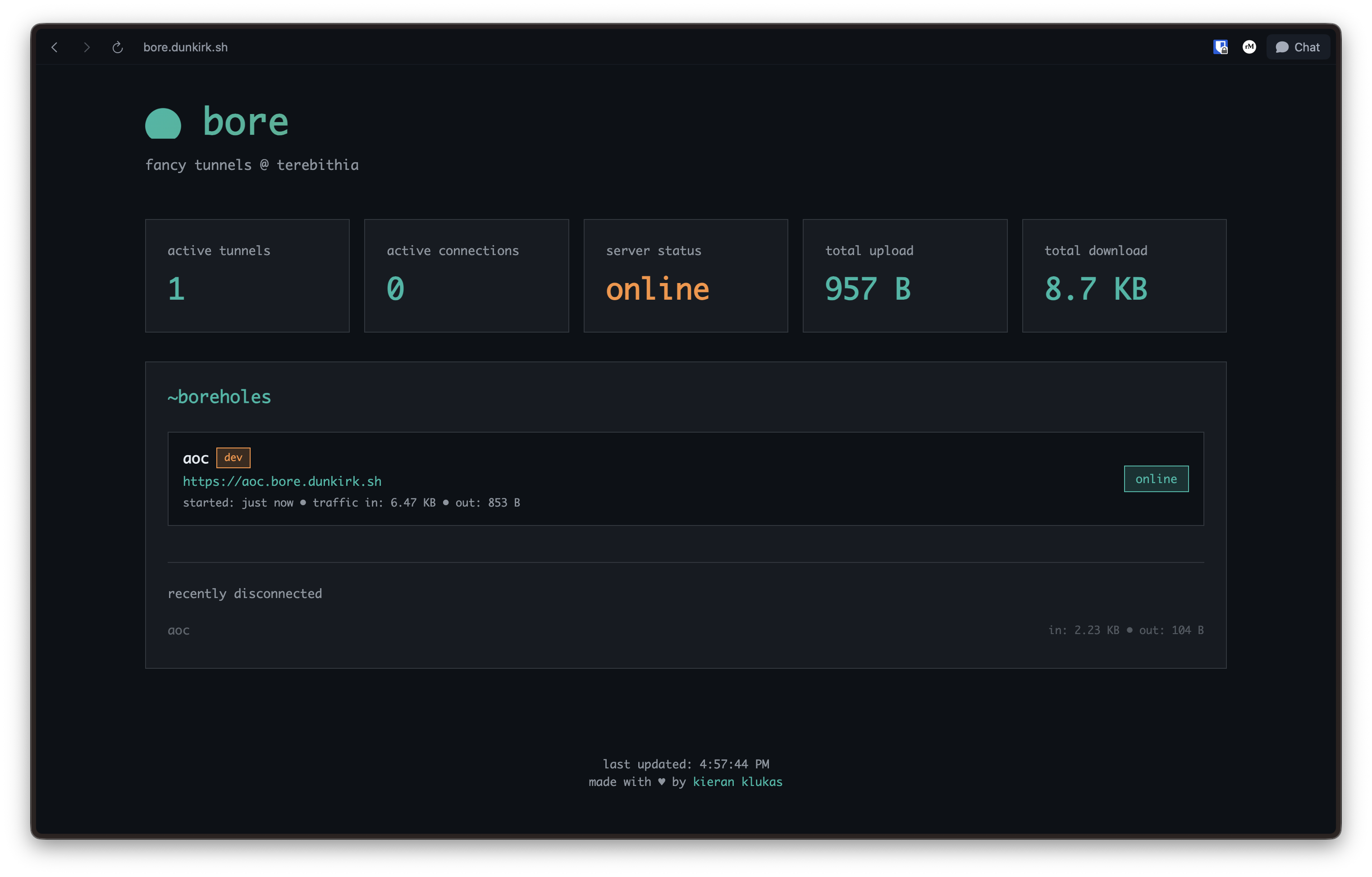
Bore is a lightweight wrapper around frp which provides a dashboard and a nice gum based cli. It supports HTTP, TCP, and UDP tunneling. If you would like to run this in your own nix flake then simplify vendor this folder and ./modules/home/bore and import the folders into the appropriate home manager and nixos configurations.
atelier = {
     bore = {
         enable = true;
         authTokenFile = osConfig.age.secrets."bore/auth-token".path;
     };

}
and be sure to have a definition for your agenix secret in the osConfig as well:
age = {
     identityPaths = [
         "path/to/ssh/key"
     ];
     secrets = {
         "bore/auth-token" = {
             file = ./path/to/bore/auth-token.age;
             owner = "username";
         };
     };

}For TCP and UDP tunneling support, configure the server with allowed port ranges:
atelier.services.frps = {
     enable = true;
     domain = "bore.dunkirk.sh";
     authTokenFile = config.age.secrets."bore/auth-token".path;
     allowedTCPPorts = [ 20000 20001 20002 20003 20004 ];
     allowedUDPPorts = [ 20000 20001 20002 20003 20004 ];

};Bore supports per-tunnel authentication via Indiko. When enabled, tunnels with auth = true require users to sign in before accessing the tunneled service.
-
Register bore as a client in Indiko:
- Go to your Indiko admin dashboard
- Create a new pre-registered client
- Set redirect URI to
https://your-bore-domain/.auth/callback - Note the client ID (e.g.,
ikc_xxx) and generate a client secret
-
Create the required secrets:
cd secrets


# Cookie encryption keys (32-byte random)
openssl rand -base64 32  | agenix -e bore/cookie-hash-key.age
openssl rand -base64 32  | agenix -e bore/cookie-block-key.age


# Client secret from Indiko

echo "your-client-secret" | agenix -e bore/client-secret.age
-
Configure the server:
age.secrets = {
   "bore/auth-token".file = ../../secrets/bore/auth-token.age;
   "bore/cookie-hash-key".file = ../../secrets/bore/cookie-hash-key.age;
   "bore/cookie-block-key".file = ../../secrets/bore/cookie-block-key.age;
   "bore/client-secret".file = ../../secrets/bore/client-secret.age;

};


atelier.services.frps = {
   enable = true;
   domain = "bore.dunkirk.sh";
   authTokenFile = config.age.secrets."bore/auth-token".path;
   auth = {
     enable = true;
     clientID = "ikc_xxx";  # From Indiko
     clientSecretFile = config.age.secrets."bore/client-secret".path;
     cookieHashKeyFile = config.age.secrets."bore/cookie-hash-key".path;
     cookieBlockKeyFile = config.age.secrets."bore/cookie-block-key".path;
   };

};
Tunnels can require authentication by setting auth = true in bore.toml:
[admin]

port = 3001

auth = true

labels = ["admin"]
Or via CLI:
bore admin 3001 --auth --label adminWhen a user visits an auth-protected tunnel, they'll be redirected to Indiko to sign in. After authentication, the following headers are passed to the tunneled service:
X-Auth-User: User's profile URLX-Auth-Name: User's display nameX-Auth-Email: User's email address
The secret file is just a oneline file with the key in it. If you do end up deploying this feel free to email me and let me know! I would love to hear about your setup!